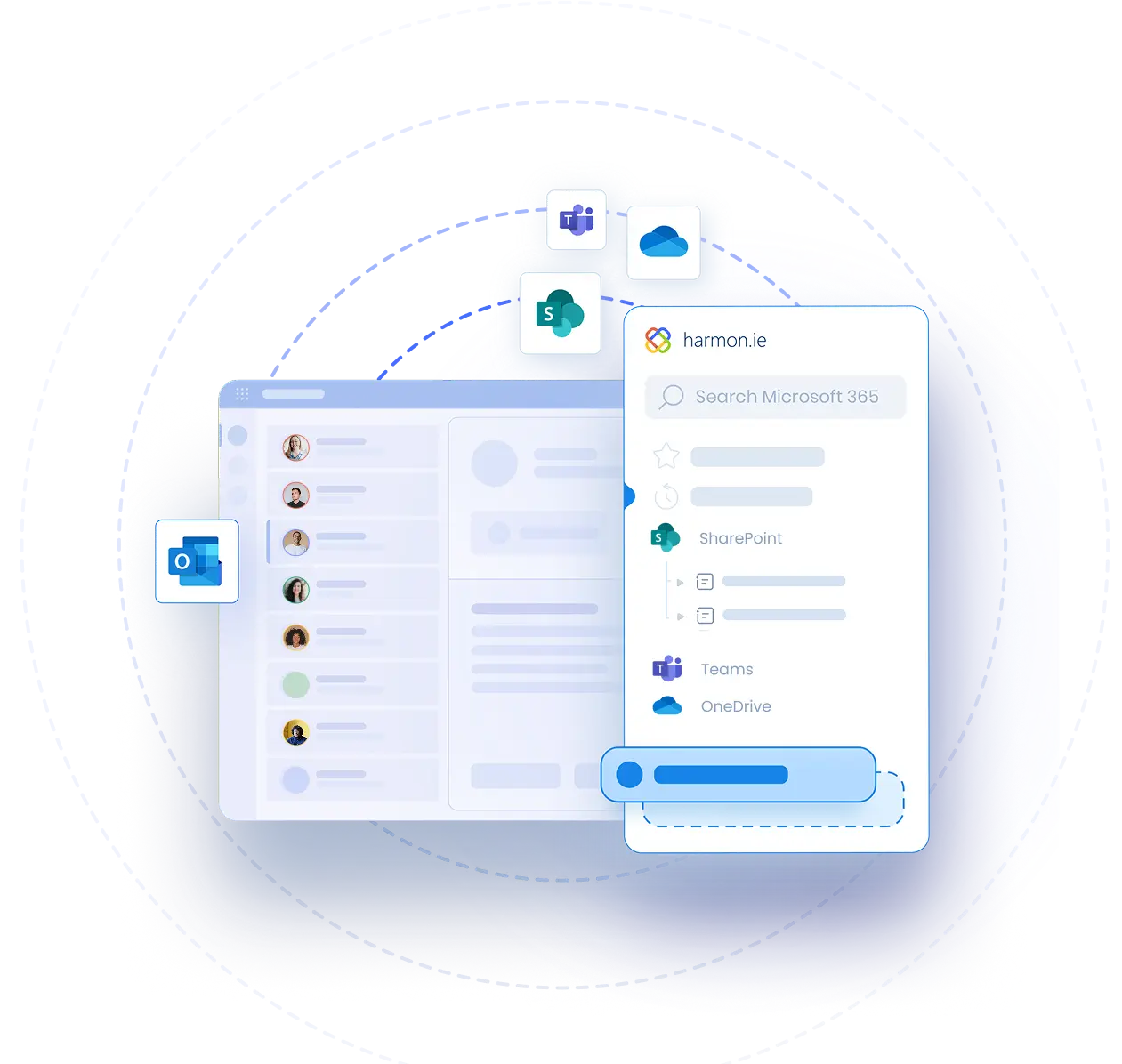
Automatically capture important emails in Microsoft 365









Why automate email capture
Save time, skip the busywork
Works how your team already works
Nothing slips through
Stay on top of retention
Shared, not siloed
Better answers from Copilot
How email automation works
Users create rules right from Outlook.
Emails are saved and categorized automatically: matching emails go to the right place in Microsoft 365, marked with a category so everyone on the email can see they’re saved.
Metadata is captured automatically: email headers become SharePoint columns on every save.
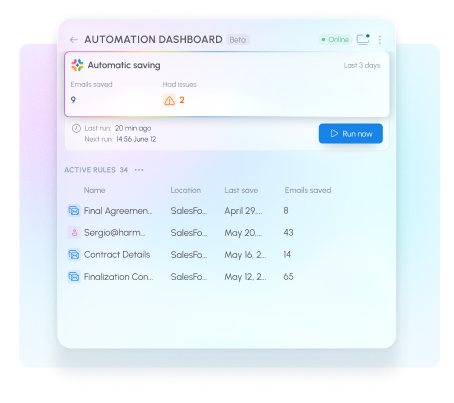
The Automation Dashboard shows what was done: what each rule saved, and whether anything needs attention.
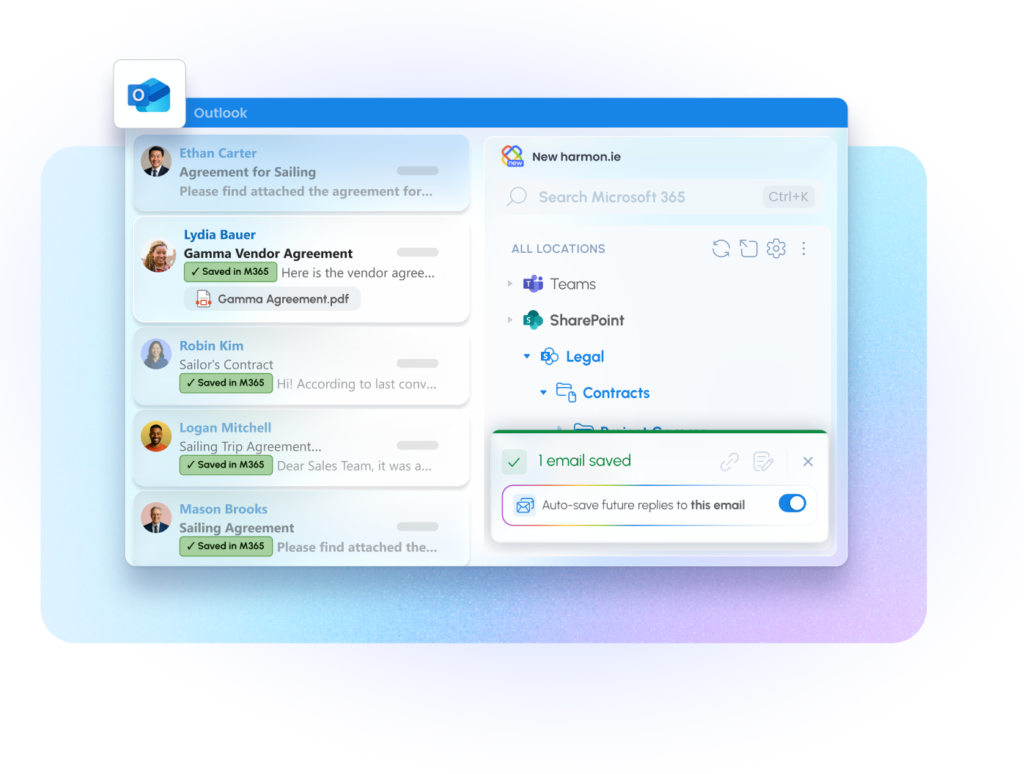
Automation features (Now in beta):
Automatic conversation saving
Save one email in a conversation, then tell harmon.ie to keep that conversation in the same SharePoint location. Every future reply is captured there automatically.
Save emails by sender
harmon.ie learns your behavior. When it notices you repeatedly save emails from the same sender the same location, it offers to turn that into an automatic rule.
Outlook folder upload
Save an entire Outlook folder in one action, then turn on automatic saving so every new email that lands there afterward is captured too
Shared categories
See at a glance what you and your colleagues have already saved, and where. No more duplicate saves, no more “did anyone file this?”
Coming next:
Additional automation rules
Define automation rules based on domain, subject line, keywords, or attachments.
AI-powered filing via Copilot
Improved Automation dashboard
When automation runs
- In the Outlook add-in: runs while clicking "Run now" from the Automation Dashboard. The add-in should be open.
- With harmon.ie Desktop: runs on a schedule in the background, even when the add-in or Outlook are closed.
Enterprise-ready by design
- Client-side application: your content never leaves your Microsoft 365 tenant
- ISO 27001 certified
- Deploys centrally through the Microsoft 365 and Microsoft Intune admin centers, with automatic updates
Join the harmon.ie automation beta program
The email automation beta is open to harmon.ie customers and prospects, including trial users.
Beta participants get early access, hands-on support from our team, and a direct say in what we build next.
By submitting this form, you confirm that you accept harmon.ie’s Privacy Policy.
harmon.ie Automation — FAQ
Do I need the harmon.ie Desktop app to run automation?
The desktop app is highly recommended, as it runs automation in the background for more consistent capture.
With the New harmon.ie add-in, you currently need to click “Run now” to save your emails to Microsoft 365 according to your rules.
Does email automation work in Classic Outlook, or only New Outlook?
Does harmon.ie automation save older emails, or only new ones?
What happens to attachments?
Attachments are saved embedded in the email.
Do rules run on their own, or do I click "Run now"?
How do I know if an email was saved using automation?
Who can see that an email was saved?
Can one email save to more than one location?
How does automatic metadata tagging work?
When automation saves an email, harmon.ie reads the email headers — To, From, Subject, Date, and whether it has attachments — and writes them into SharePoint metadata columns.
Does automation read my email content?
Is automation available during a free trial?
Is there an extra cost for the automation features?
No. Email automation is included in every New harmon.ie license, at no additional cost.
How do admins set up automation for specific users or the whole organization?