Outlook-SharePoint Integration Software
Save emails to SharePoint, access files, and manage M365 content — without leaving Outlook.
Outlook SharePoint integration connects Microsoft Outlook to SharePoint so users can save emails, browse files, and manage Microsoft 365 content without leaving their inbox. harmon.ie provides this as an Outlook add-in with automatic email metadata mapping and unified search across SharePoint, Teams, and OneDrive inside Outlook.
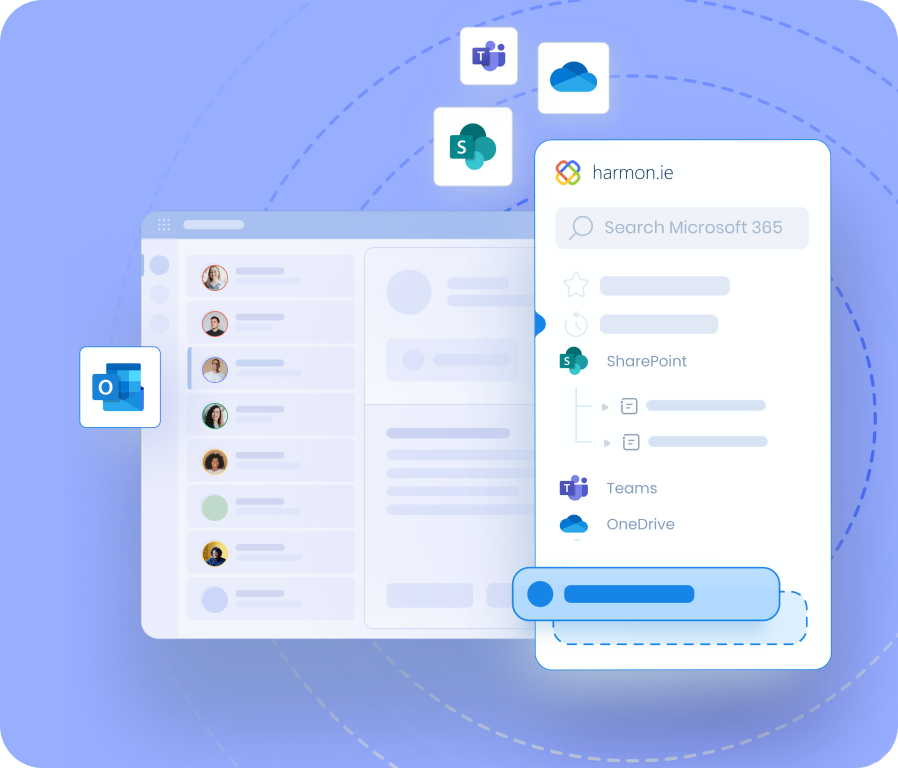









Your files are in SharePoint. Your team is in Outlook.
- Employees save emails manually — or don't bother. Copying emails from Outlook into SharePoint requires switching applications, navigating folder structures, and adding metadata by hand. Most people don't do it consistently. Many don't do it at all.
- Critical correspondence stays locked in personal inboxes. Emails that never reach SharePoint are invisible to colleagues, inaccessible to compliance tools, and lost when the sender leaves. One municipal government unlocked nearly 500,000 emails from staff inboxes in their first deployment year.
- SharePoint adoption stalls because the interface isn't where people work. Asking employees to leave Outlook and navigate SharePoint in a browser is asking them to change how they work. Most won't.
- IT invests in Microsoft 365 governance tools that only work on content that's actually been filed. Purview retention labels, sensitivity labels, and DLP policies don't apply to emails sitting in personal inboxes.
harmon.ie connects Outlook and SharePoint — in both directions.
Outlook SharePoint Integration Features
Save emails and attachments from Outlook
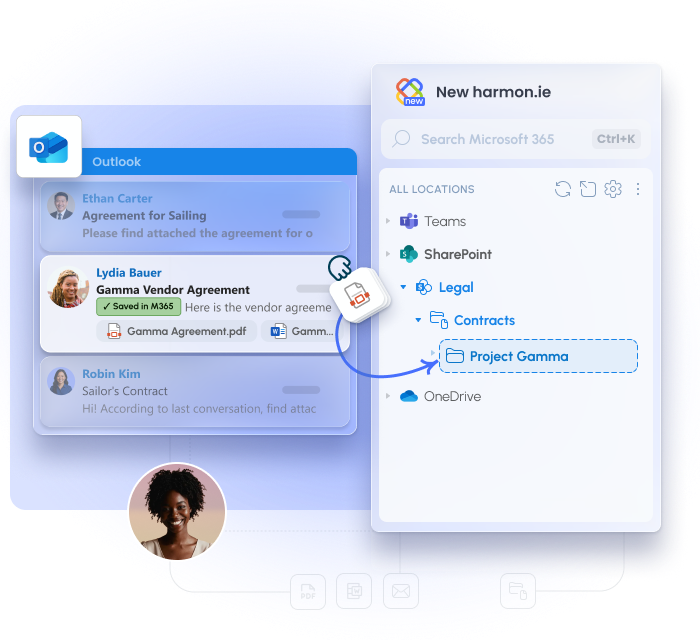
- Drag-and-drop from your inbox directly into the harmon.ie sidebar to save to any SharePoint library
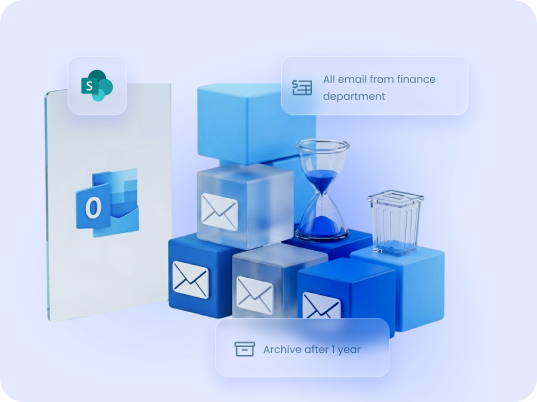
- Email automation (beta): with email automation, set a rule once and matching emails are saved to SharePoint automatically
- Save & Send captures outgoing emails at the moment of sending — before they disappear into sent items
- Choose what to save: the email only, all attachments, or specific files — so every part of the record lands in the right place
- Automatic metadata: To, From, Subject, Date, and attachment status are written into SharePoint columns at save — no manual tagging required.
Manage SharePoint directly from Outlook
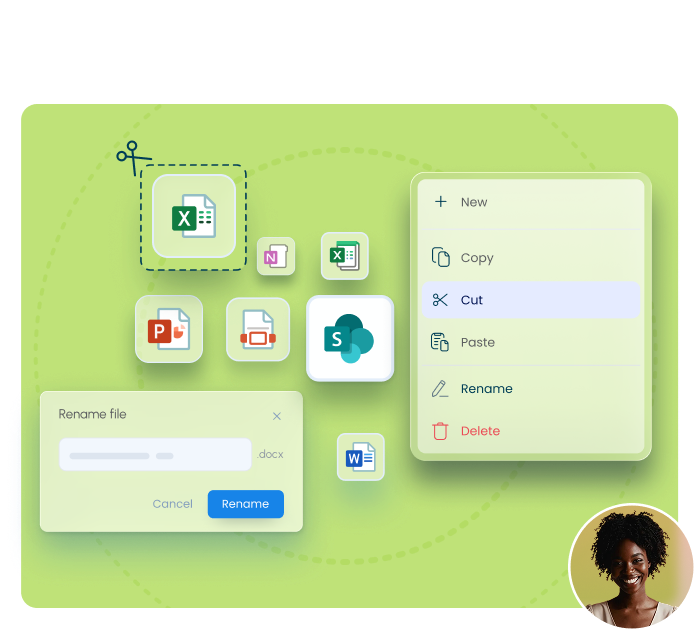
- Navigate SharePoint folder and library structures directly from Outlook
- Open, preview, and edit files directly from the sidebar
- Copy, cut, and paste files between libraries and channels to reorganize content
- View and update SharePoint metadata properties for any file in an inline editor, without opening a browser
- Create new Office documents and folders directly in the target SharePoint library or Teams channel
- Recent & favorites for quick access to frequently used libraries
Attach SharePoint files to emails
- Share as a secure link so recipients always see the latest version — no duplicate copies
- Share as a physical attachment when recipients need the file itself, not a link
Search SharePoint, Teams, and OneDrive from Outlook
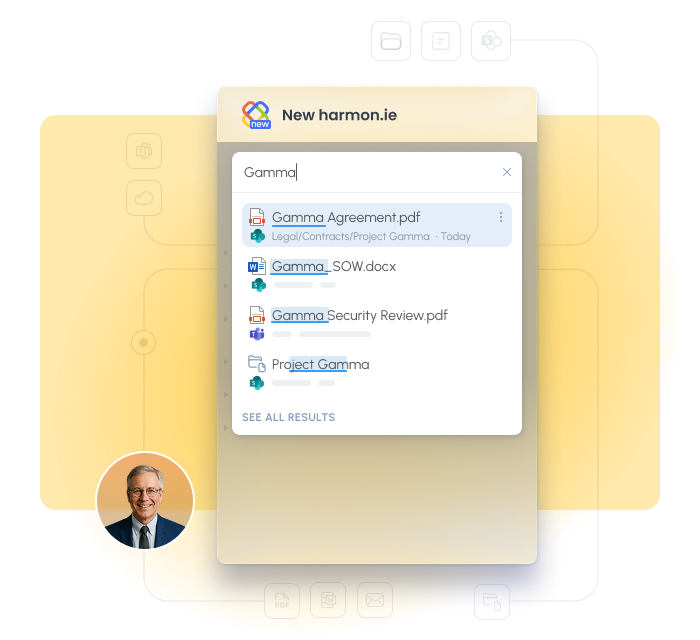
Find any email or document across your entire Microsoft 365 environment from a single search bar in Outlook.
- Cross-M365 search - one query searches SharePoint, Teams, and OneDrive simultaneously
- Filter by application, file type, or location to narrow results for specific libraries or projects
- COMING SOON: Copilot-powered search — ask in plain language and get the right file, email, or content instantly (New harmon.ie)
Why organizations choose harmon.ie for Outlook-SharePoint integration
SharePoint lives inside Outlook — no context switching
Built for compliance from day one
Drives SharePoint engagement without a training program
Works across every Outlook version
New harmon.ie supports Outlook for Windows (new Outlook), Outlook for Windows (classic), Mac, and Web.
Proven at enterprise scale
harmon.ie has been deployed at some of the world’s largest enterprises, with individual deployments reaching 360,000+ users across a single organization.
Organizations have measured up to 70% improvement in email management efficiency. The integration scales to the most demanding environments — and keeps working.
Your data never leaves Microsoft 365
harmon.ie is a client-side application — no server, no backend, no external storage.
Emails go directly from Outlook to your SharePoint, Teams, or OneDrive tenant. harmon.ie never sees or stores your content. ISO 27001 certified.
See harmon.ie’s security page.
Results at scale
BearingPoint
City of Langford
Bosch
Outlook SharePoint Integration — FAQ
What is Outlook SharePoint integration?
How does harmon.ie integrate Outlook with SharePoint?
How do I connect SharePoint to Outlook? How do I link SharePoint to Outlook?
How do I access SharePoint from Outlook?
Can I access SharePoint from Outlook without harmon.ie?
How do I save an Outlook email to SharePoint?
Does harmon.ie work with the new Outlook?
Does harmon.ie support SharePoint on-premises?
Does harmon.ie work with Microsoft Purview?
How is harmon.ie deployed?
Trusted by organizations worldwide

Industry
Location
Number of employees
Case Study


Industry
Location
Number of employees
Case Study


Industry
Location
Number of employees
Case Study


Industry
Location
Number of employees
Case Study

Industry
Location
Number of employees
Case Study